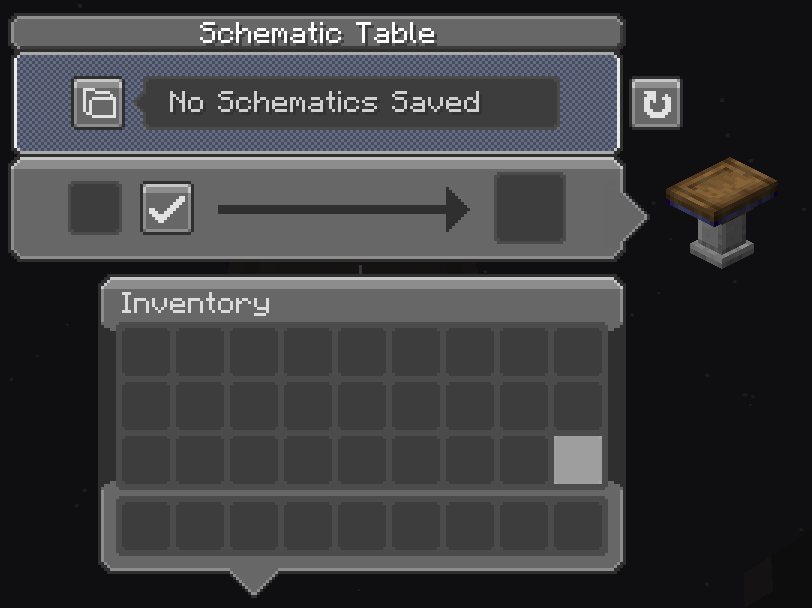
Cobblemon Interface: Modded for Minecraft 1.21.1 / 1.20.1 / 1.21 – Download & Setup
⬇ Jump to Multi-Version DownloadsCobblemon Interface: Modded is one of the most popular verified Resource Packs for Minecraft 1.21.1 / 1.20.1 / 1.21 (Mod support for the Cobblemon Interface resourcepack). Below you will find the latest build (1.9.4), in-game previews, recommended FPS settings, and direct multi-version download mirrors.
1.9.4Key Features & Compatibility Highlights
- Verified compatible with Minecraft 1.21.1 / 1.20.1 / 1.21 (Vanilla, OptiFine)
- Official clean
ZIPbuild (1.9.4) — 6,983,578+ community downloads - Optimized categories & features: 16x, Gui, Minecraft, Modded, Themed
- Multi-version download mirrors included below for both newest 2026 drops and classic 1.21 / 1.20 servers
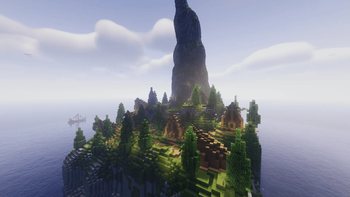
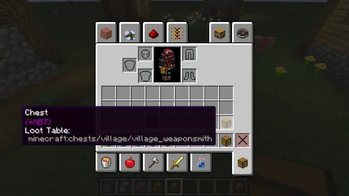
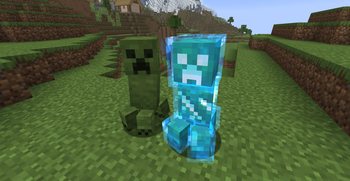
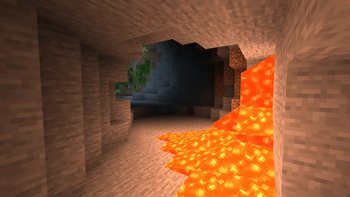
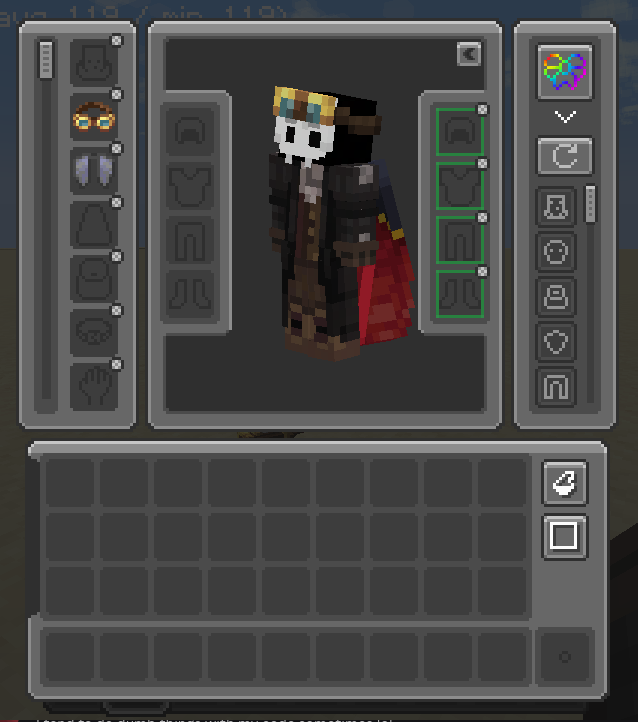
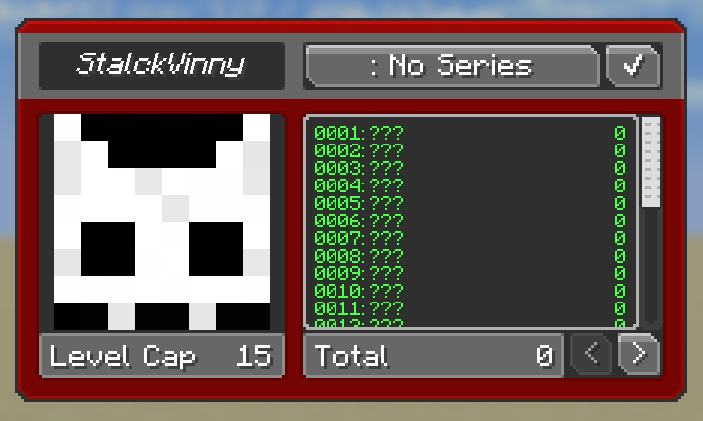
Cobblemon Interface: Modded In-Game Screenshots


Recommended PC & FPS Tier Settings
Low-End / Laptop (60+ FPS Target)
- GPU: Intel Iris Xe / GTX 1050 Ti / RX 560
- Render Distance: 8–10 Chunks + Sodium Installed
- Profile Preset: Low / Potato Shadow Cascade
Mid / High RTX (120+ FPS Ultra)
- GPU: RTX 3060 / RTX 4060 / RX 6700 XT+
- Render Distance: 14–18 Chunks + Iris Shaders
- Profile Preset: High / Ultra Volumetric Lighting
How to Install Cobblemon Interface: Modded in Minecraft (1.21.1)
- Download the
Cobblemon Interface: Modded.ZIPresource pack for Minecraft 1.21.1 from the download mirrors below. - Open Minecraft and navigate to
Options -> Resource Packs -> Open Pack Folder. - Move the downloaded
.zipfile intoresourcepacks, then click the arrow icon in-game to activate it at the top of your load order.
Frequently Asked Questions
Which Minecraft versions does Cobblemon Interface: Modded support?
Cobblemon Interface: Modded (1.9.4) officially supports Minecraft 1.21.1 / 1.20.1 / 1.21 along with earlier builds listed in the multi-version download table below.
What loader do I need for Cobblemon Interface: Modded?
This resource pack works with Vanilla, OptiFine. Check the exact loader tag next to each file row in the Download Vault below before installing.
Is Cobblemon Interface: Modded safe and free for low-end PCs?
Yes — every archive is verified via SHA-512 checksum and includes scalable graphics/performance settings suitable for integrated GPUs as well as mid/high-range RTX cards.
Where to buy
| Item | Amazon | eBay |
|---|---|---|
| Minecraft Java Edition | Amazon | eBay |
| Minecraft (Nintendo Switch) | Amazon | eBay |
| Gaming headset | Amazon | eBay |
| Gaming mouse | Amazon | eBay |
Links are affiliate links. We earn a small commission if you buy, at no extra cost to you.